The short answer: Yes, Webflow is worth it if you need professional design control and don't want to touch code. But it's not for everyone.
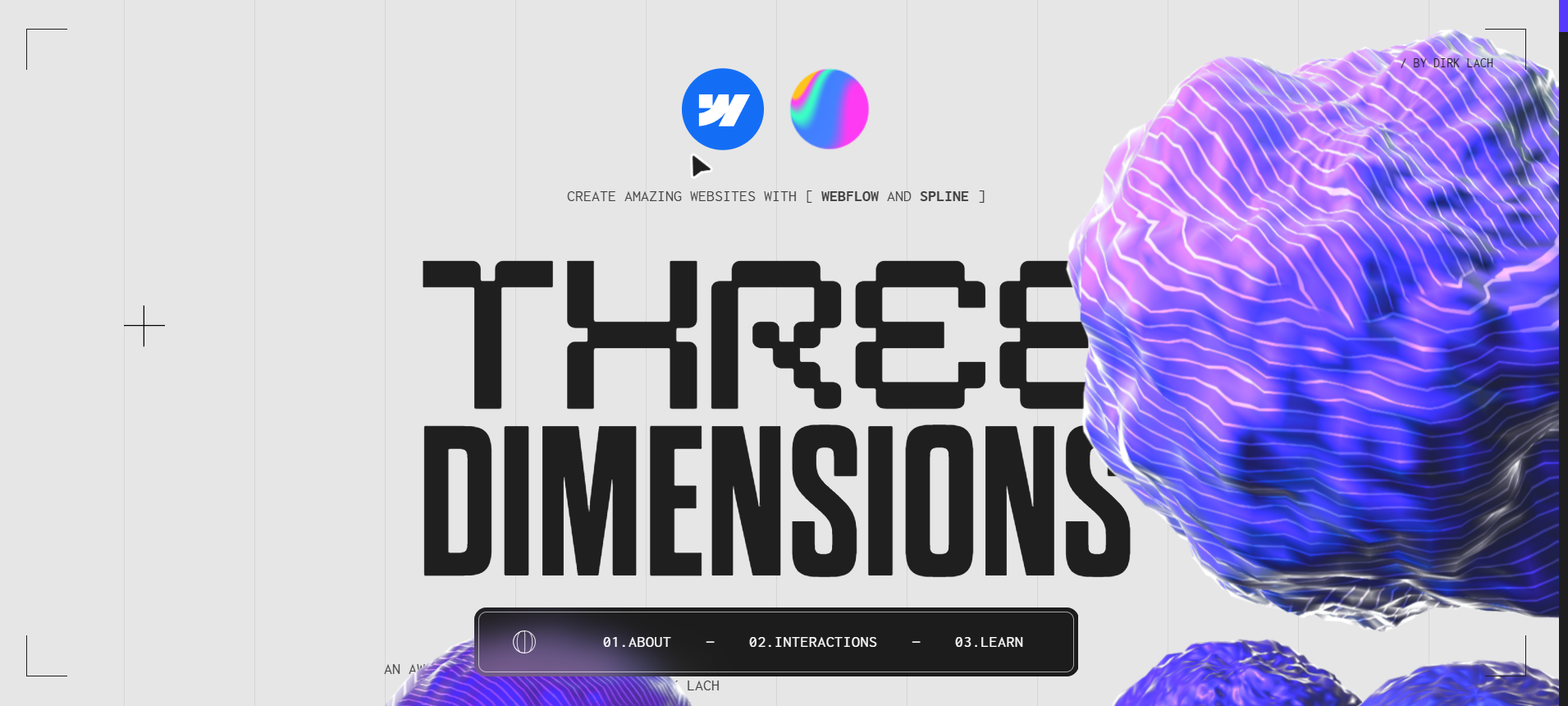 ✨ Showcase site by https://dirklach.com
What Makes Webflow Good
1. Professional Design Control
Webflow gives you CSS-level precision in a visual interface. You control every pixel, every animation, every interaction — without writing code.
2. Excellent CMS
The content management system is powerful and flexible. Create custom content types, design dynamic pages, and let clients edit content easily.
3. Fast, Reliable Hosting
Webflow hosting is fast, secure, and handles traffic spikes automatically. No server management required.
4. Built-in SEO
Clean code, fast loading, meta tag controls, XML sitemaps, and 301 redirects — all built-in.
5. Growing Ecosystem
Templates, components, courses, and a large community make it easy to learn and extend.
Webflow's Real Limitations
1. Learning Curve
Webflow takes time to learn. Expect 2-4 weeks to get comfortable, longer to master.
2. Pricing Adds Up
Multiple sites, team members, and CMS items can get expensive quickly.
3. E-commerce is Basic
For serious online stores, Shopify or WooCommerce are better choices.
4. No Server-Side Logic
Complex functionality requires external services like Wized or custom code.
5. Vendor Lock-in
Moving away from Webflow means rebuilding. Code export helps but isn't perfect.
The Real Question: Website or Product?
Webflow is worth it when your website is a strategic asset: a SaaS marketing site, agency portfolio, startup homepage, content hub, case-study library, or brand experience where design quality affects trust.
It is not worth it when you are trying to force it into product logic. Webflow can handle beautiful pages and CMS-driven content. It cannot natively handle complex user accounts, dashboards, subscription logic, or database workflows. You can bolt on tools like Memberstack, Airtable, Wized, or Zapier, but every extra tool increases fragility.
Use this test:
- If users mostly read, browse, submit simple forms, or request demos, Webflow is a good fit.
- If users log in, manage data, trigger workflows, pay for subscriptions, or interact with other users, consider Bubble, Softr, or custom development.
The expensive mistake is not paying for Webflow. The expensive mistake is building the wrong thing in Webflow and rebuilding later.
Basic vs Premium: Which Plan Feels Worth It?
Basic is worth it for simple sites that do not need a CMS: landing pages, one-page startup sites, small business websites, event pages, and portfolios.
Premium is worth it when content publishing matters. If you need blog posts, resource pages, case studies, team pages, listings, or reusable page templates, the CMS is the reason to pay. Without the CMS, Webflow is mostly a premium design tool. With the CMS, it becomes a controlled publishing system for marketing teams.
The practical rule:
- Basic: static website, one editor, low content volume
- Premium: CMS, repeatable content, marketing team updates
- Do not use Webflow: backend app logic, marketplaces, serious ecommerce, complex member portals
Who Webflow is Worth It For
Worth it if you:
- Are a designer who wants to build websites
- Need pixel-perfect control
- Build sites for clients
- Want a powerful CMS
- Value fast hosting and security
- Need strong SEO capabilities
Also worth it if you're a:
- Freelance designer
- Creative agency
- Marketing team
- Startup founder
Who Should Look Elsewhere
Skip Webflow if you:
- Need complex web applications (try Bubble)
- Want the cheapest option (try WordPress)
- Need advanced e-commerce (try Shopify)
- Prefer templates over custom design (try Squarespace)
- Need simple landing pages (try Carrd)
- Are a developer who prefers code
The Verdict
Webflow is the best choice for designers and teams who want professional websites without code. The learning investment pays off in design freedom, CMS control, fast hosting, and a cleaner client handoff.
Is it worth the price? For professional work, absolutely. For hobby projects, start with the free plan and upgrade only if needed.
Try Webflow Free for 1 Month
Start building today on the free plan. No credit card required.
Related Guides
- Webflow Pricing 2026 — All plans & costs explained
- Webflow vs WordPress — Full comparison
- Webflow Platform Review — Features & alternatives