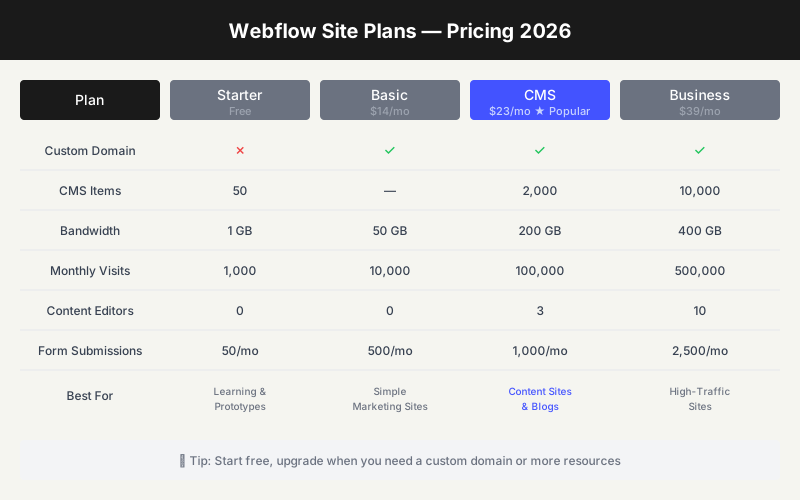
Webflow pricing changed meaningfully in 2026. The old CMS and Business site plans have been folded into a newer Premium plan for new purchases, which makes the pricing page simpler but also easier to misunderstand.
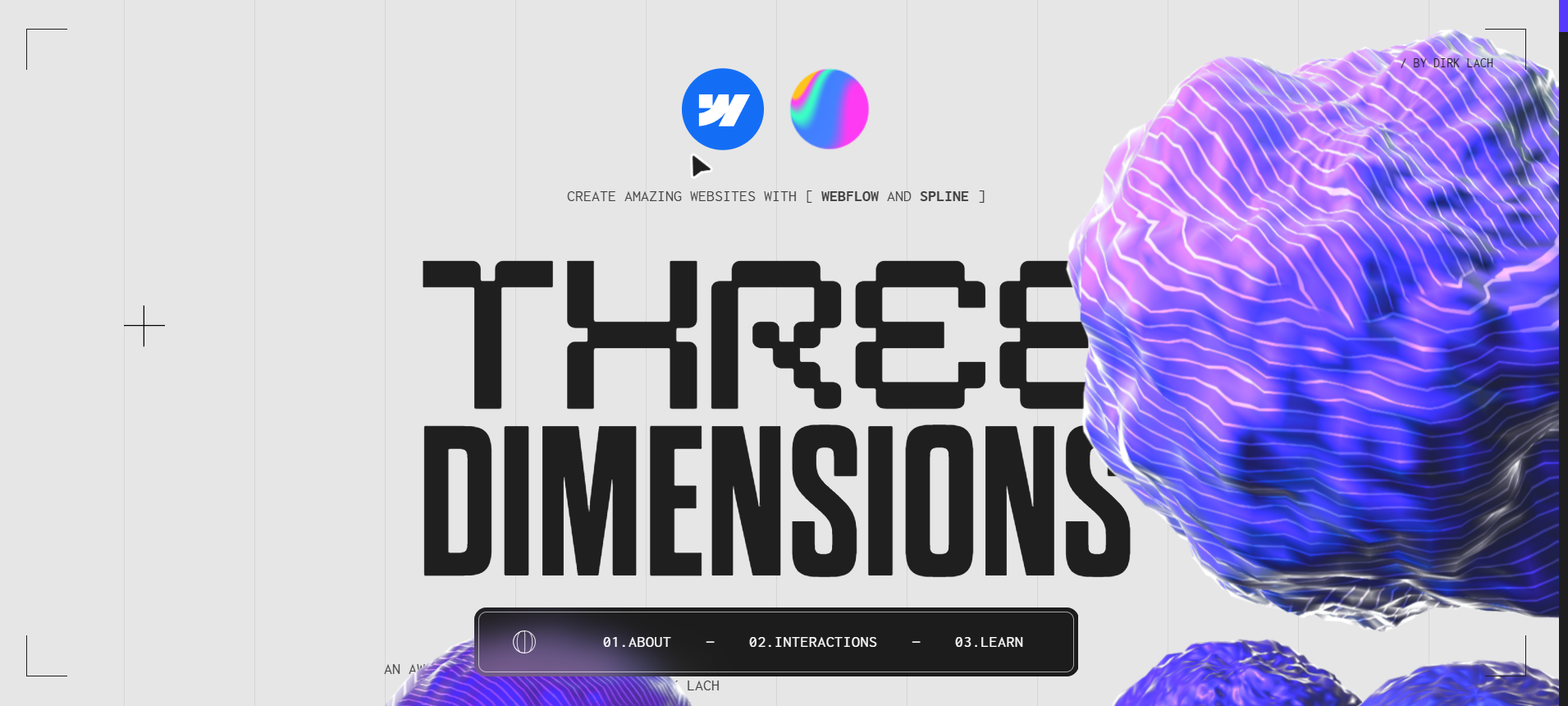
Showcase site by Dirk Lach — View live demo at https://threedimensions-cloneable.webflow.io/
Quick Summary: Webflow Pricing
Site Plans (per website)
| Plan | Price | Best For |
|---|---|---|
| Starter | Free | Learning & prototypes |
| Basic | $15/mo billed yearly | Simple marketing sites without CMS |
| Premium | $25/mo billed yearly | CMS sites, blogs, and content-heavy websites |
| Team | $2,500/mo annual contract | Organizations that need governance and workflows |
| Enterprise | Custom | Large organizations with custom security and scale needs |
Workspace Plans (per seat)
| Plan | Price | Best For |
|---|---|---|
| Starter | $0 | Individuals and early staging |
| Core | Varies by workspace type | Small teams |
| Growth | $49/seat/mo | Growing teams |
| Enterprise | Custom | Large teams |
Important: A Site plan is for publishing one website to a custom domain. A Workspace plan is for how your team collaborates inside Webflow. Many first-time buyers look at one price and forget the other.
What's Included in Each Site Plan
Starter Plan (Free)
- webflow.io subdomain
- 2 static pages on staged sites
- 50 CMS items
- 1 GB bandwidth
- Webflow branding
- Webflow AI access
Best for: Learning Webflow, prototyping a design, or testing whether the visual builder makes sense for you.
Basic Plan ($15/mo billed yearly)
- Custom domain
- 300 static pages
- 10 GB bandwidth
- Unlimited form submissions
- No Webflow badge
- Password protection
Best for: Simple marketing sites, landing pages, small business websites, and portfolios that do not need a CMS.
Premium Plan ($25/mo billed yearly)
- Everything in Basic
- Webflow CMS
- Configurable bandwidth options
- Code components
- Site search
- File uploads in forms
- Well-known files
Best for: Blogs, resource libraries, case-study sites, directories, and any site where non-technical people need to publish content.
Ecommerce Plans
If you sell products directly in Webflow, ecommerce pricing is separate:
| Plan | Price | Notes |
|---|---|---|
| Standard | $29/mo billed yearly | 500 ecommerce items, 2% Webflow transaction fee |
| Plus | $74/mo billed yearly | 5,000 ecommerce items, 0% Webflow transaction fee |
| Advanced | $212/mo billed yearly | 15,000 ecommerce items, 0% Webflow transaction fee |
For serious ecommerce, compare Shopify before committing. Webflow ecommerce is strong when design control matters more than deep commerce operations.
Webflow Free Plan — What You Actually Get
The free Starter plan is generous for learning:
- Learn the designer and CMS basics
- Access to CMS (limited items)
- Publish to webflow.io subdomain
- Test Webflow AI and staging
Limitations:
- No custom domain
- Webflow badge visible
- Limited bandwidth
- No code export
- Too small for a real business website
The Real Pricing Decision
Do not ask "is Webflow cheap?" It is not trying to be the cheapest website builder. Ask whether Webflow replaces enough design, hosting, CMS, SEO, staging, and client handoff work to justify the price.
Choose Basic if:
- The site is mostly static
- You need a custom domain
- You do not need blog posts, case studies, directories, or collection pages
- A designer or founder will update pages manually
Choose Premium if:
- You need a CMS
- You publish articles, resources, case studies, jobs, or template pages
- You need search or form file uploads
- Marketing needs to publish without touching layouts
Do not choose Webflow if:
- You need backend app logic
- You need advanced ecommerce operations
- You want the absolute cheapest site possible
- You plan to publish hundreds of thousands of database-driven records
The Hidden Cost: Workspaces, Add-ons, and Rebuild Risk
The sticker price is only part of Webflow's cost. Teams often get surprised by:
- Workspace seats for collaboration
- Localization if the site needs multiple languages
- Ecommerce plans if the site sells products
- Third-party tools for memberships, auth, or app-like features
- Rebuild time if you later move to WordPress, Shopify, or a custom stack
This is why Webflow is best when the site itself is the product surface: marketing sites, agency sites, content hubs, investor pages, SaaS websites, portfolios, and polished brand websites.
Webflow vs Alternatives: Price Context
| Platform | Starting Price | Free Tier | CMS Included |
|---|---|---|---|
| Webflow | $15/mo | Yes | Premium plan |
| Framer | $5/mo | Yes | Yes |
| Squarespace | $16/mo | No (trial) | Yes |
| Wix | $16/mo | Yes | Yes |
| WordPress | $0 + hosting | Yes | Yes |
Bottom line: Webflow is not the budget pick. It is the professional design-control pick. If you need a beautiful marketing site with a CMS, Premium is usually the plan to evaluate. If you only need a simple landing page, Basic or Framer may be enough.
Related Guides
- Is Webflow Worth It? — Our honest review
- Webflow vs WordPress — Full comparison
- Webflow Platform Review — Features & alternatives
Try Webflow Free
Ready to start? You can build and publish for free on the Starter plan. Upgrade only when you need a custom domain or more resources.